패스트캠퍼스 파이썬 웹개발 올인원 패키지 후기(35)
파이썬 웹개발 올인원 패키지 35 일차 후기 겸 학습기록 입니다.
게시판 만들기 - 4
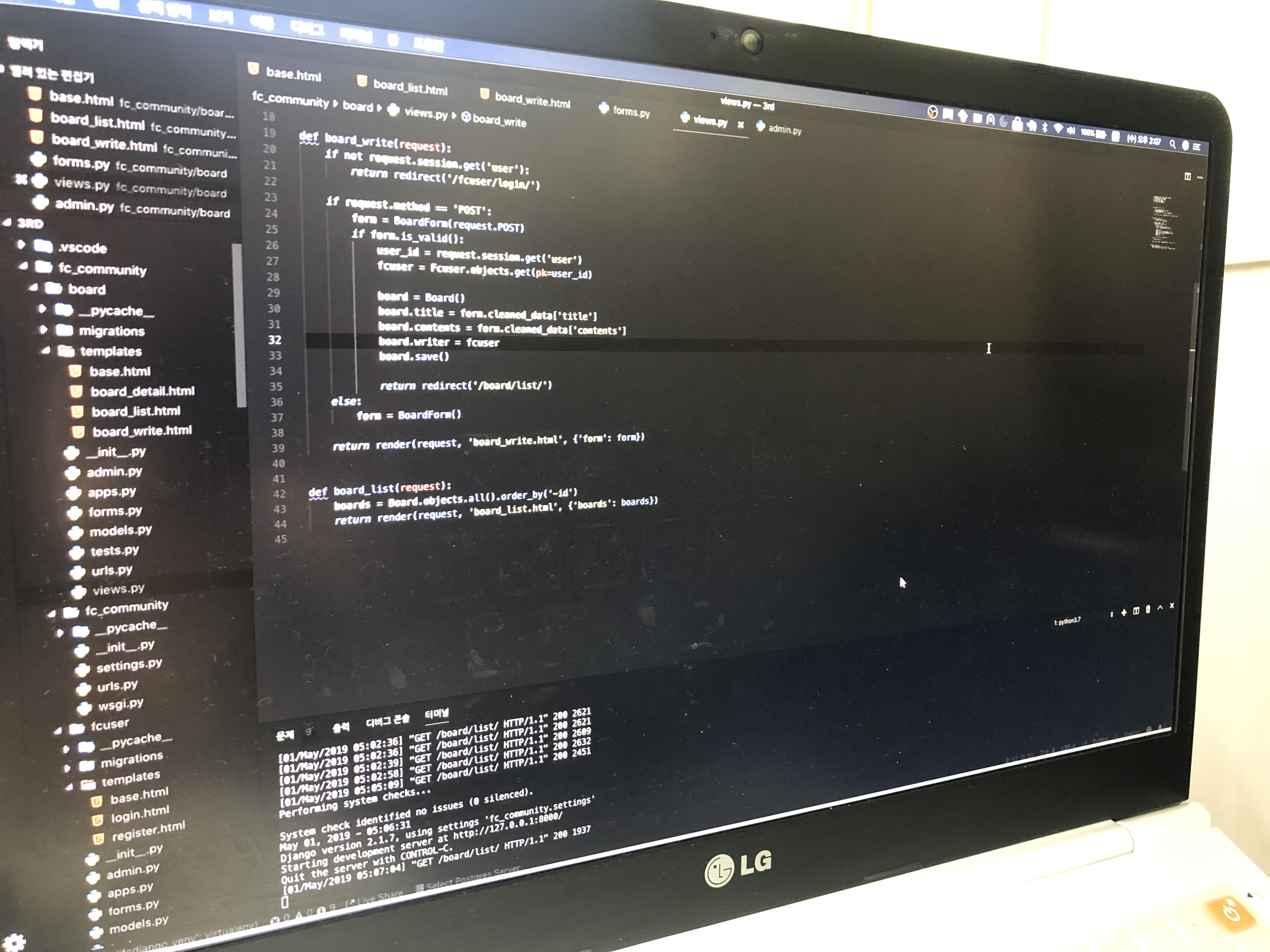
페이지네이션(페이지 만들기)
board_list.html
{% extends "base.html" %}


{% block contents %}
<div class='row mt-5'>
    <div class='col-12'>
        <table class='table table-light'>
            <thead class='thead-light'>
                <tr>
                    <th>#</th>
                    <th>제목</th>
                    <th>아이디</th>
                    <th>일시</th>
                </tr>
            </thead>
            <tbody class='text-dark'>
                {% for board in boards %}
                <tr>
                    <th>{{ board.id }}</th>
                    <td>{{ board.title }}</td>
                    <td>{{ board.writer }}</td>
                    <td>{{ board.registered_dttm}}</td>
                </tr>
                {% endfor %}
            </tbody>
        </table>
    </div>
</div>
<div class='row mt-2'>
    <div class='col-12'>
        <nav>
            <ul class='pagination justify-content-center'>
                {% if boards.has_previous %}
                <li class='page-item'>
                    <a class='page-link' href='?p={{ boards.previous_page_number }}'>이전으로</a>
                </li>
                {% endif %}
                <li class='page-item active'>
                    <a class='page-link' href='#'>{{ boards.number }} / {{ boards.paginator.num_pages }}</a>
                </li>
                {% if boards.has_next %}
                <li class='page-item'>
                    <a class='page-link' href='?p={{ boards.next_page_number }}'>다음으로</a>
                </li>
                {% endif %}
            </ul>
        </nav>
    </div>
</div>
<div class='row'>
    <div class='col-12'>
        <button clas='btn btn-primary'>글쓰기</button>
    </div>
</div>
{% endblock %}
views.py
## 생략 ##
from django.core.paginator import Paginator

# 중략 ##

def board_list(request):
    all_boards = Board.objects.all().order_by('-id')
    page = int(request.GET.get('p', 1))
    paginator = Paginator(all_boards, 2)

    boards = paginator.get_page(page)

    return render(request, 'board_list.html', {'boards': boards})
리뷰 및 프로젝트 보완

각 템플릿에서 각 템플릿으로 링크를 넣어주는 기능을 추가한다.
태그만들기 - 1 - MN 모델링
board_detail.html
{% extends "base.html" %}


{% block contents %}
<div class='row mt-5'>
    <div class='col-12'>
        <div class="form-group">
            <label for="title">제목</label>
            <input type="text" class="form-control" id="title" value='{{ board.title }}' readonly />
            <label for="contents">내용</label>
            <textarea class='form-control' readonly>{{ board.contents }}</textarea>
            <label for='tag'>태그</label>
            <span id='tags' class='form-control'>
                {{ board.tags.all | join:", "}}
            </span>
        </div>
        <button class="btn btn-primary" onclick="location.href='/board/list/'">돌아가기</button>
    </div>
</div>
{% endblock %}
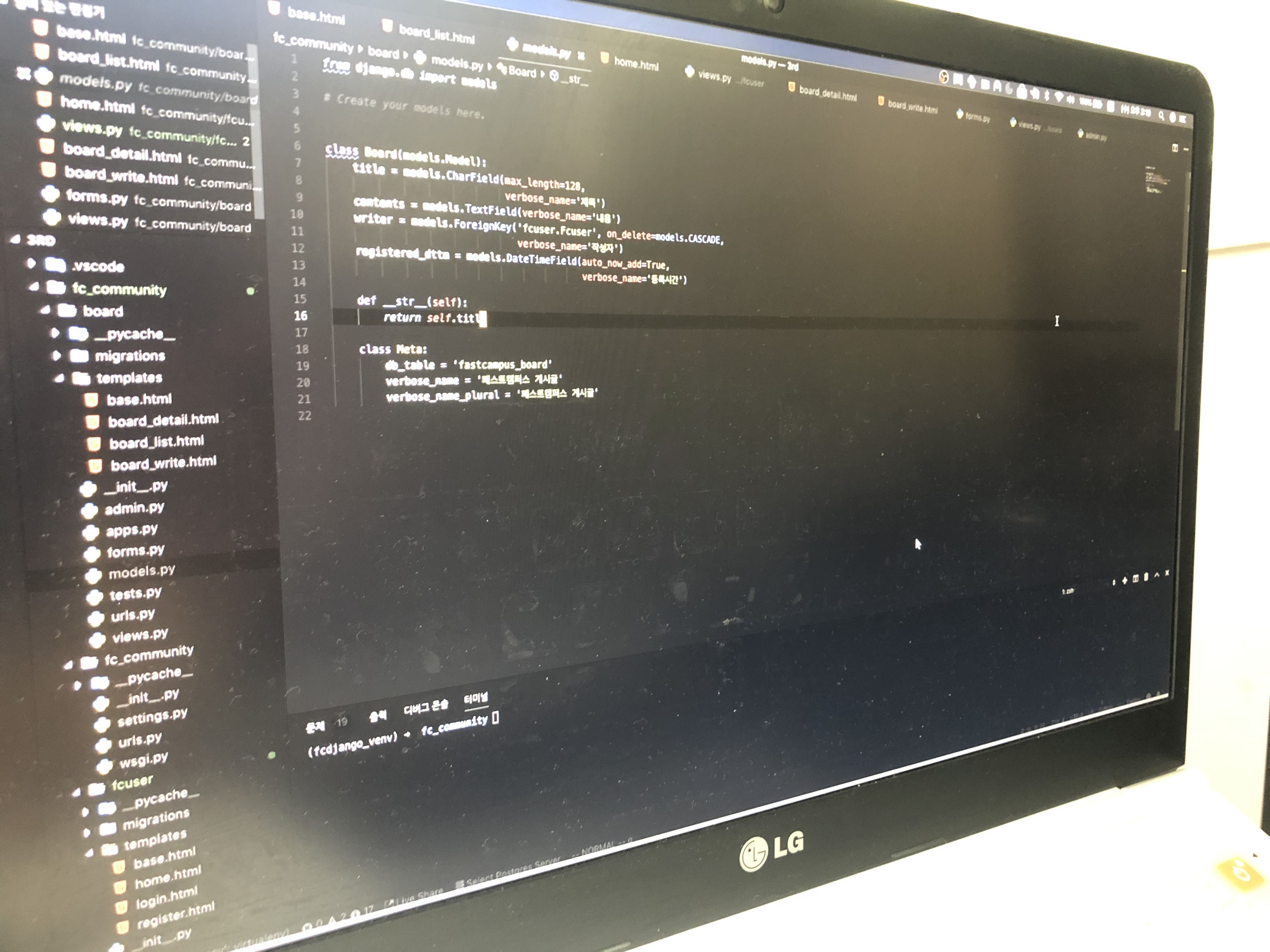
models.py
from django.db import models

# Create your models here.
class Tag(models.Model):
    name = models.CharField(max_length=32, verbose_name='태그명')

    registered_dttm = models.DateTimeField(auto_now_add=True, verbose_name="등록시간")

    def __str__(self):
        return self.name

    class Meta:
        db_table = 'fastcampus_tag'
        verbose_name = '패스트캠퍼스 태그'
        verbose_name_plural = '패스트캠퍼스 태그'
패스트캠퍼스 파이썬 인강 자세한 내용은 아래 링크를 참고해 주세요!
'Django Basics' 카테고리의 다른 글
| [패스트캠퍼스 수강 후기] 파이썬 인강 자기계발 챌린지 34 회차 미션 (0) | 2020.06.27 |
|---|---|
| [패스트캠퍼스 수강 후기] 파이썬 인강 자기계발 챌린지 33 회차 미션 (0) | 2020.06.26 |
| [패스트캠퍼스 수강 후기] 파이썬 인강 자기계발 챌린지 32 회차 미션 (0) | 2020.06.25 |
| [패스트캠퍼스 수강 후기] 파이썬 인강 자기계발 챌린지 31 회차 미션 (0) | 2020.06.24 |
| [패스트캠퍼스 수강 후기] 파이썬 인강 자기계발 챌린지 30 회차 미션 (1) | 2020.06.23 |


